
Download the latest desktop software for making your songs and setlists, and also get the latest firmware update for your pedal.
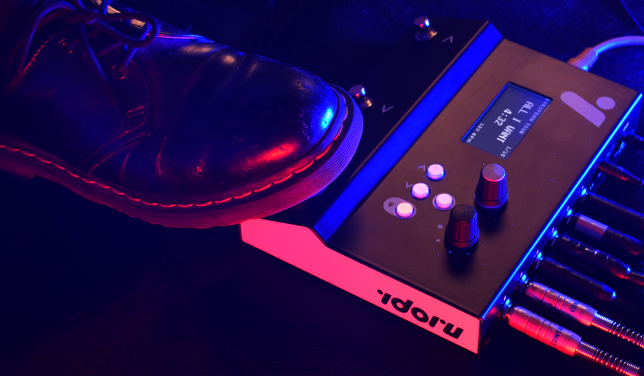
Your Idoru P-1’s firmware version number is shown briefly on the display next to 'SW ver', when you power up the pedal. So you can check if you have the latest already.
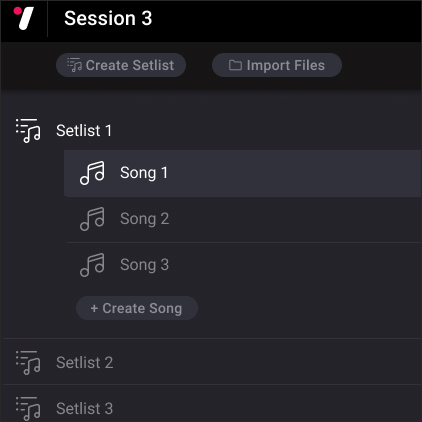
Get up and running with the Idoru P-1 quickstart guide and video.
Check out the Idoru P-1 user guide to learn how to use all the features of the pedal and its software.
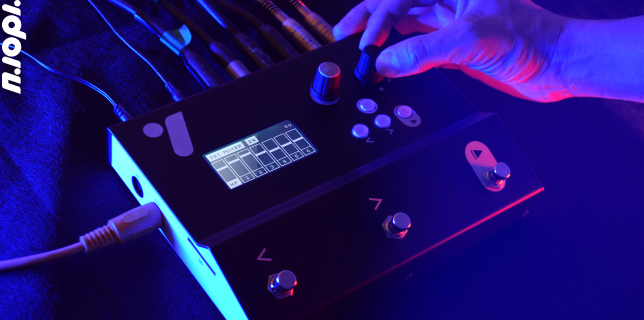
Use the troubleshooting section of the guide if you are having issues with the Idoru P-1. If you are still stuck, get in touch with us at [email protected]


